
If you run a restaurant, you already know reviews matter. The harder question is how to collect them consistently — without breaking Google’s rules, and without nagging your customers.
This guide covers the practical side: how to set up your review link, when to ask, what to say, what Google actually prohibits, how to respond, and what to measure. It is the same process we set up for Google Business Profile management clients.
Why Google Reviews Matter for Restaurants
Reviews do two separate jobs, and it helps to keep them separate in your head.
What reviews clearly influence
The strongest, least debatable effect is on customer decisions. Someone deciding between you and the place next door will read your reviews first. A recent, detailed review from a real diner is more persuasive than anything you could write about yourself.
Research by Michael Luca at Harvard Business School looked at exactly this. His study found that a one-star increase in rating was associated with a 5–9% increase in revenue for independent restaurants. Worth being precise about the source: that research studied Yelp ratings in the United States, not Google reviews in the UK. The platform is different but it does show that ratings and revenue are connected.

How reviews relate to local visibility
Google says local results are ranked on three broad things: relevance, distance and prominence. Reviews sit inside prominence Google states that review count and score factor into local ranking.
That is a genuine signal, but it is one input among many. Your categories, business information, website, photos and how close you are to the searcher all matter too. So a fair way to think about it is this:
- Reviews can strengthen your prominence they do not on their own decide where you rank
- A profile with very few reviews gives Google and customers little to work with
- More reviews will not compensate for wrong categories, a slow website or incomplete business information
Anyone promising you a specific ranking position for a specific number of reviews is guessing. What you can control is the system that brings reviews in steadily.
Google’s Review Rules — Read This Before You Start
Most restaurants that get into trouble with reviews did not set out to cheat. They just followed advice that quietly breaks Google’s policy. Get these right first, because a restricted profile costs you far more than slow review growth.
- No incentives. You cannot offer a discount, free drink, loyalty points or a prize draw entry in exchange for a review — positive or negative.
- No review gating. You cannot survey customers first and then only send the review link to the happy ones. Ask everyone, or ask no one.
- No fake reviews. Not from staff, not from family, not bought. Google actively looks for these patterns.
- Don’t direct the content. Asking a customer to mention a dish, a staff member, a keyword or a star rating crosses the line from requesting a review into shaping one.
- No pressure. Asking once is fine. Asking repeatedly, or standing over someone while they write, is not.
You are allowed to ask for reviews, and you are allowed to make it easy. Everything below stays inside those rules.
A Review System Built Around How People Actually Eat
The reason ad-hoc asking fails is that a dine-in guest, a takeaway customer and a delivery order all leave at different moments through different channels. Map the request to the moment, and it stops being something you have to remember.
Step 1: Set up your direct review link
Everything else depends on this. In your Google Business Profile, find “Ask for reviews” Google generates a short link that opens the review box directly, with no searching in between. Every step you remove is a review you don’t lose.
Save that link somewhere your whole team can reach it, then create a QR code from it. You will use both.
Step 2: Dine-in — ask in person
A spoken request from the person who served the table works better than a card sitting silently on it, because it is a normal human exchange rather than a piece of marketing.
The natural moment is when the bill is settled. Keep the script short, honest and identical for every table:
“Really glad you enjoyed it. If you have a spare minute, an honest Google review genuinely helps us the QR code on the table takes you straight there.”
Two things make this work: everyone on the team says roughly the same thing, and nobody asks for a particular rating or a particular comment.
Step 3: Takeaway — receipts and QR codes
Collection and counter customers are gone in minutes, so the request has to be physical and already in front of them. Put the QR code where people naturally pause:
- Table tents on tables and beside the till
- The footer of every printed receipt
- A small card in takeaway and delivery bags
- A poster by the door or in the window
Keep the wording plain “Scan to leave us an honest Google review” and make sure someone tests the code every few weeks. Faded or damaged codes are a common and invisible failure.
Step 4: Online orders and bookings — follow up afterwards
If a customer ordered through your website or booked a table, you already have a way to contact them. A short message the same day, while the meal is still fresh in their mind, is enough. WhatsApp tends to get read more reliably than email.
“Thanks for ordering from us today. If you have a minute, an honest Google review would really help us out: [link]”
Personalise the greeting if you like thanking them by name, or for their order but keep the request itself neutral. Ask for an honest review, not a good one, and never suggest what to write.
Step 5: Respond to every review
Replying is mostly about the people reading a prospective diner scrolling your profile sees how you handle praise and complaints, and forms a judgement before they ever call. Treat it as reputation management rather than an SEO tactic.
There is a simple framework for each type in the next section.
Step 6: Track what is actually working
Without tracking you cannot tell whether the QR codes are doing the work or your evening staff are. A single spreadsheet is enough date, review count, average rating, and which method the customer most likely came through.
Review it once a month. If the QR codes are producing almost nothing, the placement is probably wrong. If reviews cluster around certain shifts, that tells you which of your team are comfortable asking and who needs support.
What Not To Do
Some of the most common review advice will actively damage your profile:
- Buying reviews. The fastest route to a restricted profile, and the pattern is easy for Google to spot.
- Asking staff, friends or family to post. These are not customer experiences.
- Filtering who you ask. Sending the link only to customers you know were happy is review gating.
- Scripting the review. No dish names, no staff names, no requested star ratings.
- Copy-pasting identical replies. Customers notice, and it makes genuine responses look automated.
- Arguing publicly. A defensive reply does more damage than the original review.
- Chasing volume over experience. If the same complaint keeps appearing, more reviews will simply document it more clearly.
How to Respond: A Simple Framework
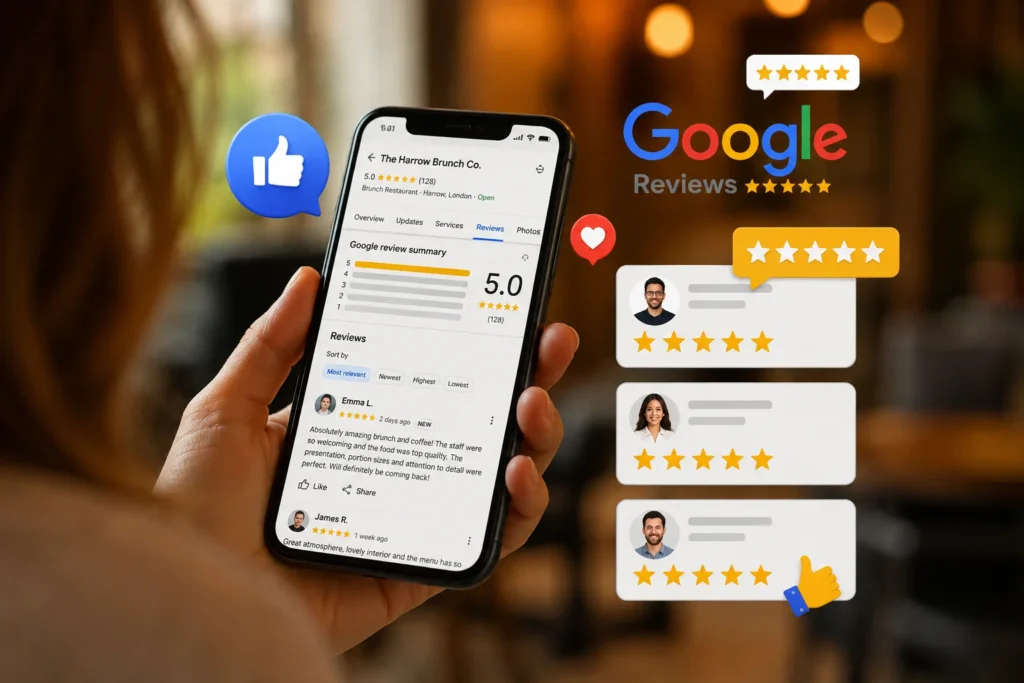
Positive reviews
Thank them refer to something they actually mentioned invite them back. Two or three sentences is plenty.
“Thanks, Sarah, that’s lovely to hear. Glad the pasta hit the mark. Ask for a window seat next time best table in the house.”
Negative reviews
Acknowledge apologise where it is warranted avoid arguing offer a way to put it right offline.
“Sorry the service was slow that evening. We had an unexpected rush, but that’s no excuse. Please give us a call so we can make it right.”
Genuine negative reviews happen in well-run restaurants. What matters is responding professionally, fixing anything legitimate, and watching for complaints that repeat those are telling you something about the operation, not about the customer.
Reviews that break Google’s policies
If a review looks fake, is abusive, is about a different business, or otherwise breaches Google’s content policy, you can report it through your Business Profile.
Be realistic about what follows: Google assesses the report against its policies, and removal depends on whether it finds an actual violation. Reviews are not removed simply for being negative or unfair, and the process can take time. Report it, respond calmly in public in the meantime, and move on.
What to Measure
Track the things you influence directly, and watch the rest as context rather than as proof:
- Directly yours: total review count, new reviews per month, average rating, how many reviews you replied to, and how quickly
- Which method worked: verbal ask, receipt, QR code, or follow-up message
- Profile activity: calls, direction requests and website clicks in your Business Profile insights
- Your own numbers: covers, bookings and takeaway orders
One caution worth repeating: these move for many reasons seasons, weather, events, ad spend, a new competitor. Reviews are one input. Do not assume every rise or dip was caused by them.
What a Working Review System Looks Like
In practice, the restaurants that collect reviews steadily are not doing anything clever. They have a loop that runs without anyone thinking about it:
- Experience — the meal and service are worth reviewing in the first place
- Request — at a fixed moment, through the channel that suits how the customer ordered
- Review — made as frictionless as possible with a direct link or code
- Response — every review answered, personally
- Monitor — a monthly look at what came in and where from
- Improve — recurring complaints fixed in the kitchen or on the floor, not just in the replies
We run this loop for restaurants including Farmhouse Pizza in Wembley, Cloud7 Brunch and Kabul Korner. The documented Business Profile figures for each including a review restriction we worked through with Google are published in our case studies, with the dates and sources shown.
Your First 90 Days
Build the system first, then improve it. Judge each month on whether the activity happened, not on where you rank.
Month 1 — build it
- Create your direct review link and QR code
- Put the code on tables, receipts and takeaway bags
- Agree one short script with the whole team
- Set up your tracking spreadsheet
- Start replying to every review
Month 2 — find what works
- Record which method each review most likely came from
- Fix the weakest channel usually QR placement or an untrained shift
- Check your response time and bring it down
- Note any complaint that has appeared more than once
Month 3 — refine and monitor
- Keep the request consistent consistency matters more than intensity
- Compare Business Profile calls, direction requests and website clicks month on month
- Address recurring operational issues raised in reviews
- Review whether your profile information, photos and categories are still accurate
Frequently Asked Questions
Can I offer a discount or free item for a Google review?
Can I ask only the customers I know were happy?
Can I ask a customer to mention a specific dish or staff member?
How long does it take to build up reviews?
What can I do about a fake or unfair review?
Should I respond to every review?
What Comes Next
Reviews are one part of how a restaurant gets found and chosen. They work best alongside:
- A restaurant website that loads quickly and works on a phone
- Complete Business Profile information accurate hours, menu, categories and current photos
- The same business name, address and phone number everywhere online
- The broader local SEO work that makes you relevant to what people are searching for
- Google Ads, if you need visibility sooner than organic work can deliver it
